Official ADS diagnostic software
- Professional-grade coverage. The diagnostics independent workshops rely on.
- Matched to your hardware. Your serial decides which packages appear.
- Delivered by email. Secure checkout by credit card or PayPal.
Trusted by 200,000+ customers worldwide
Secure licensing
Every subscription is locked to your device serial number, so access cannot be shared or leaked. It stays yours alone.
Instant activation
The moment your payment clears, your subscription goes live automatically. No manual approval and no waiting around.
All updates included
We refresh the software database regularly, so the newest vehicle coverage and fixes reach you at no added cost.
Worldwide coverage
Customers in 50+ countries rely on us, with several payment options and a multilingual interface to match.
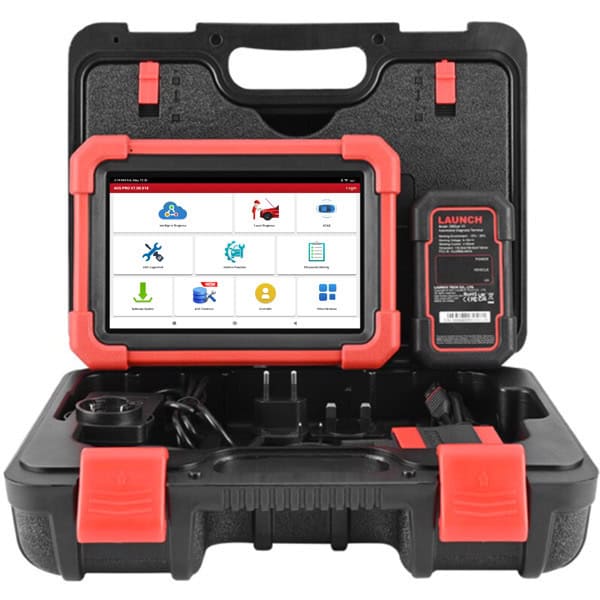
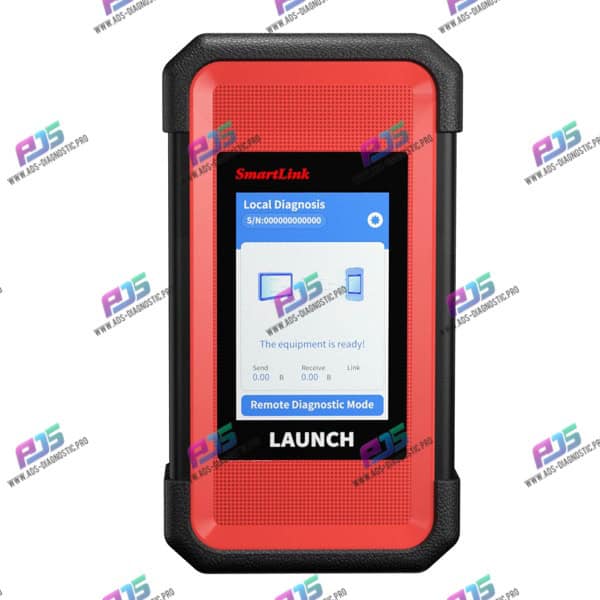
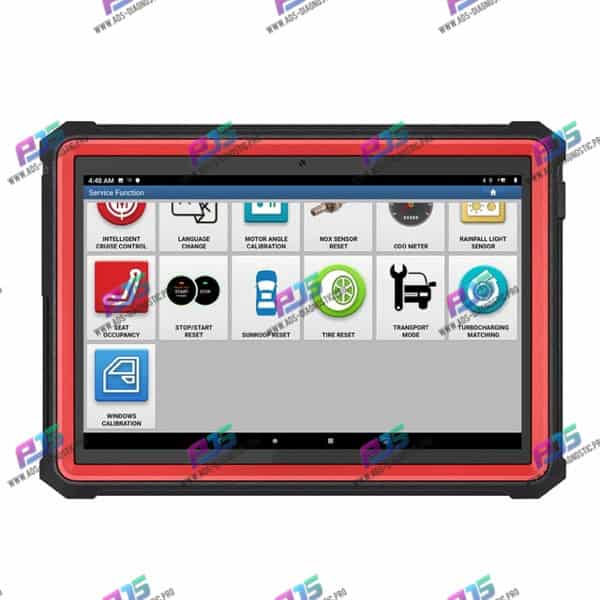
ADS PRO SHOP
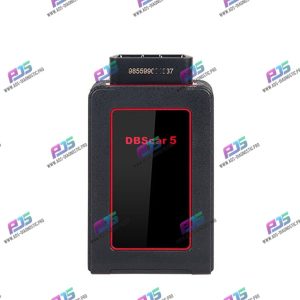
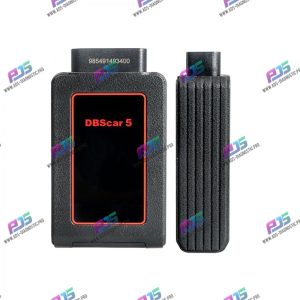
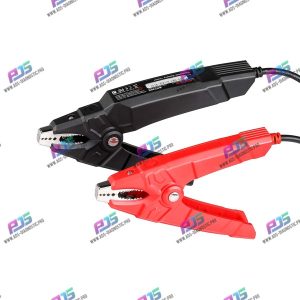
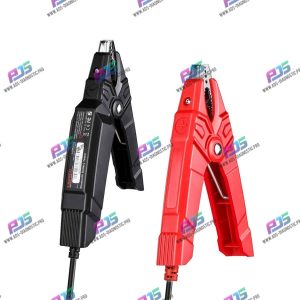
ADS PRO SUBSCRIPTIONS

Instructions
Step by step guide on how to install the Ads Pro APK and properly test it
Six steps, about ten minutes. Work through them in order.
Download and install the APK
Continue to step 2Download the Ads Pro APK using the button below, then open the file to install it.
Download APKSign in and update the software
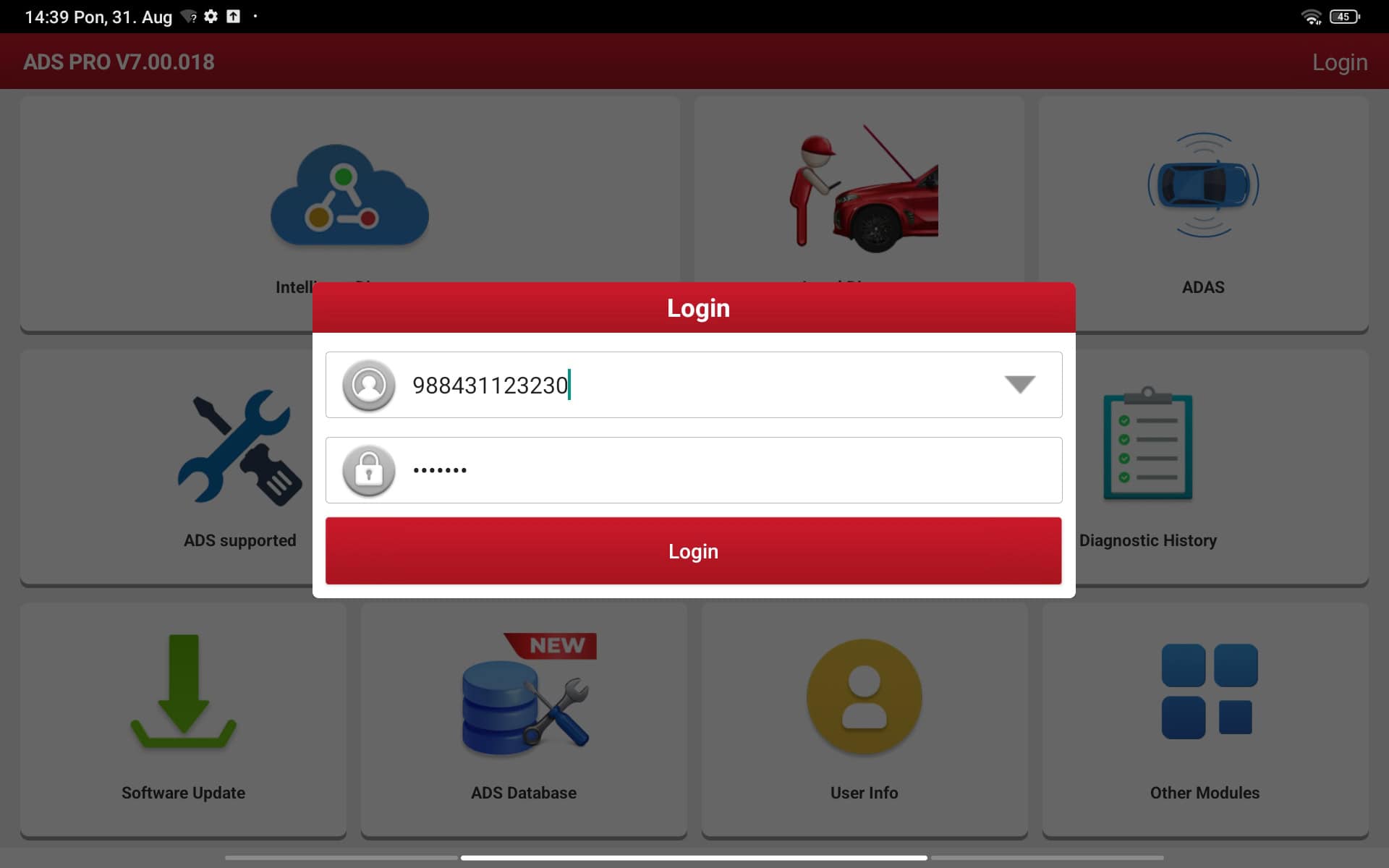
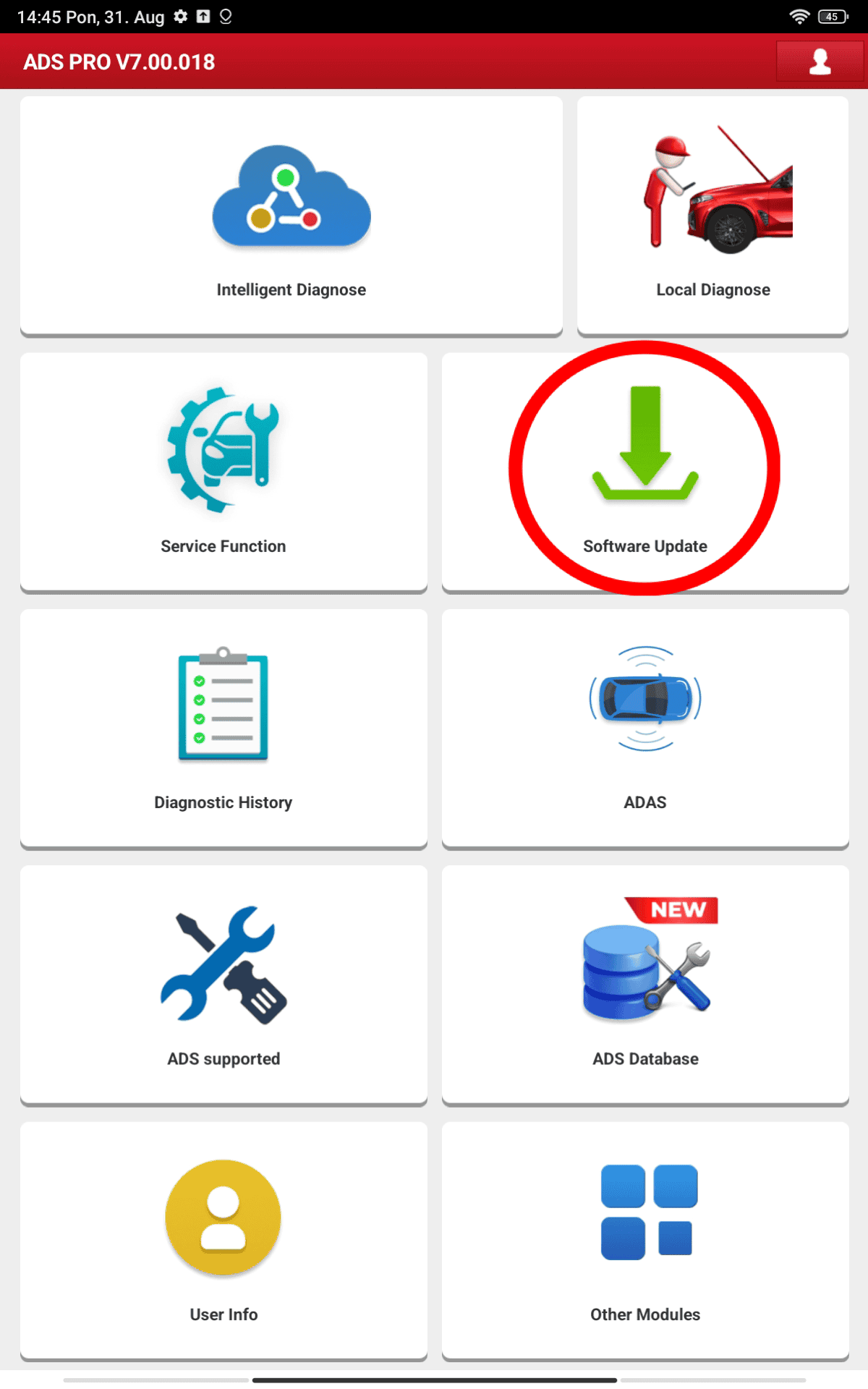
Continue to step 3Use the username and password we gave you to sign in, then tap Update software.
Follow the screenshots below exactly before moving on.
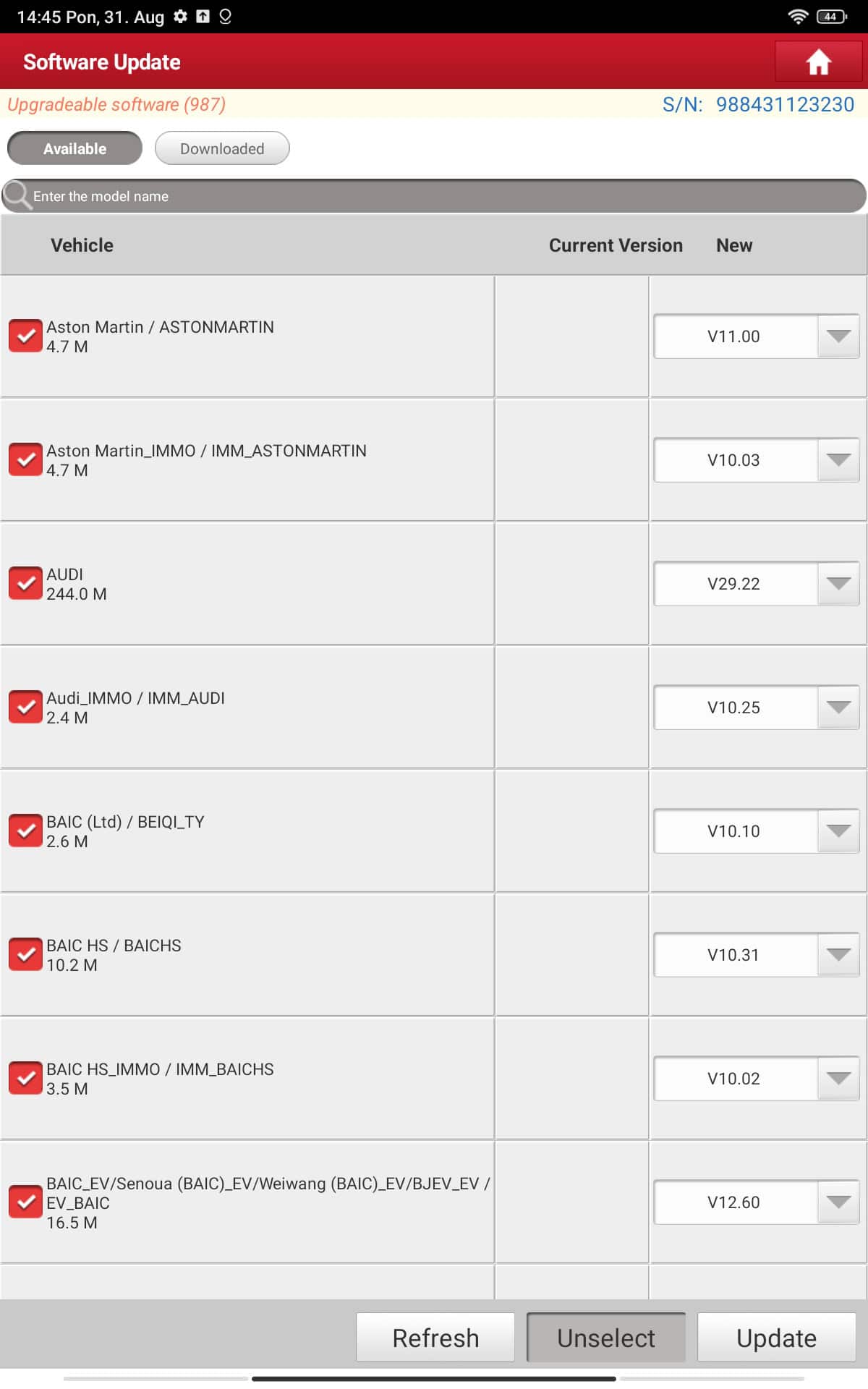
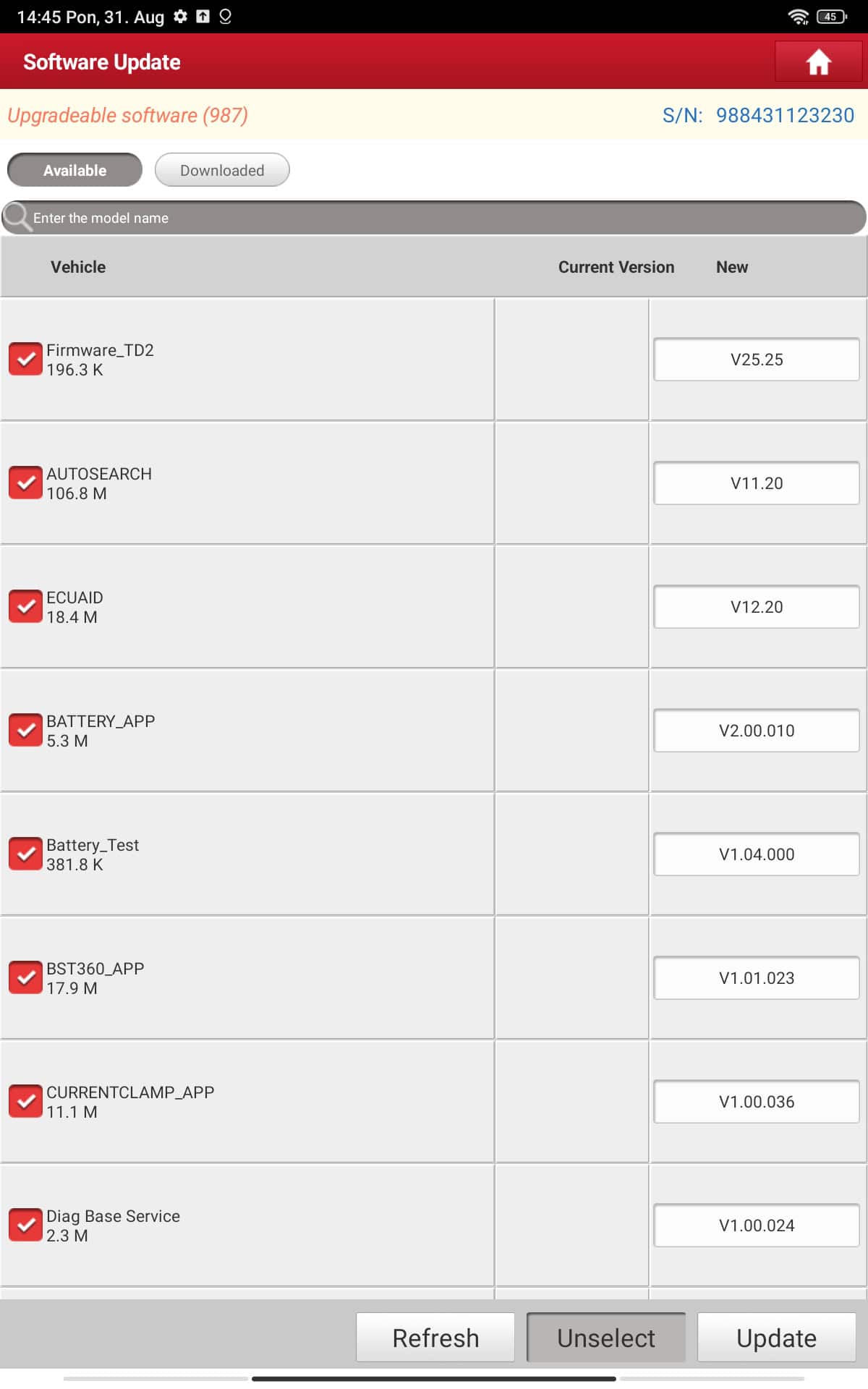
Download all available content
Continue to step 4Download everything that is offered. Tick the checkboxes as shown below.
Connect the OBD2 adapter and run a test
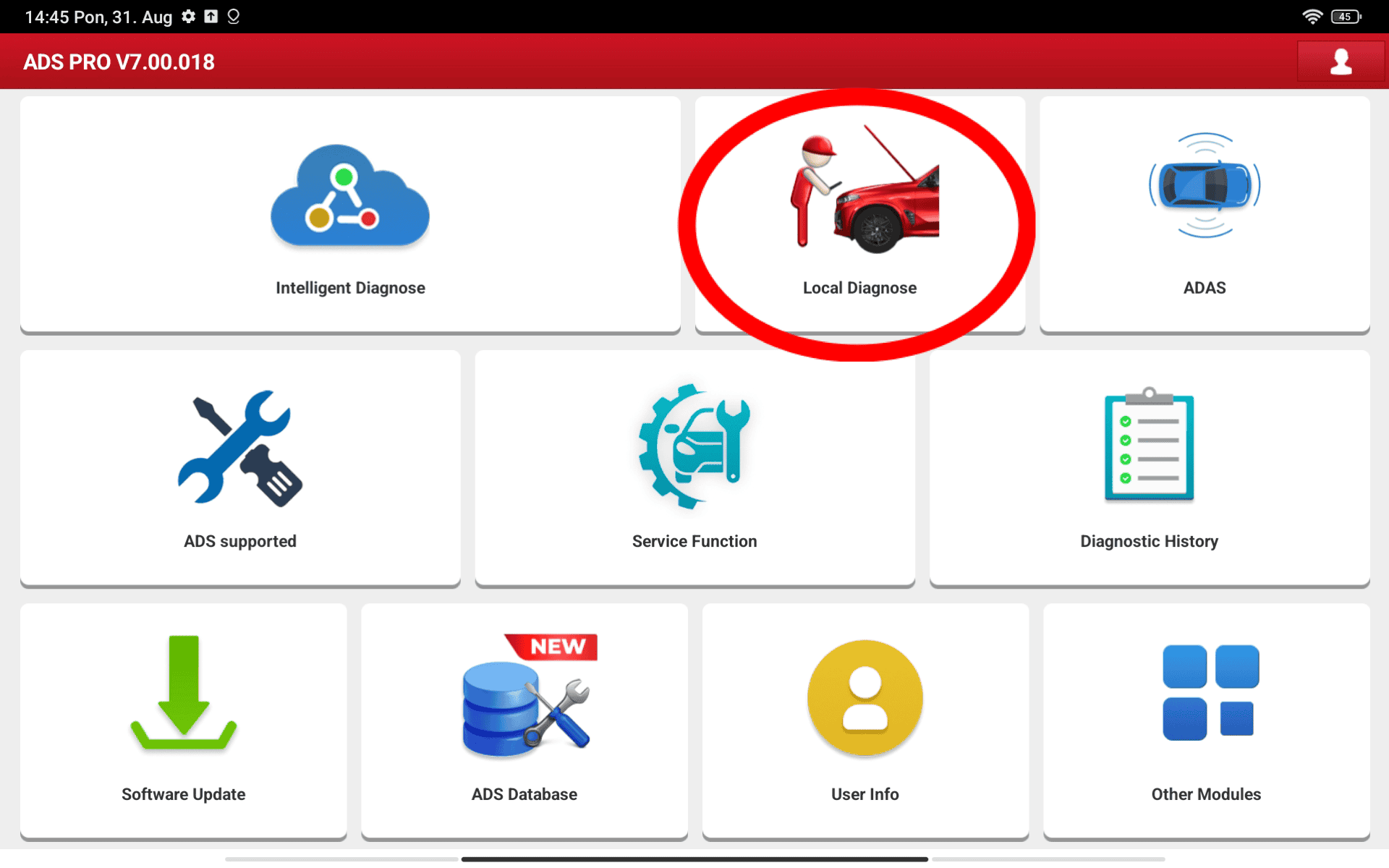
Continue to step 5Plug the OBD2 connector into your car's OBD2 port and turn on the ignition. Select Local Diagnose, then Test EOBD.
Get in touch and activate
Continue to step 6If the test ran cleanly, get in touch with us. Once your payment is processed we unlock your one-year Ads Pro subscription.
Update once more and you are set
Once the payment clears we activate your subscription. Return to the app, tap Update software again and download every available item.